Appearance
Customize how Handrive looks.
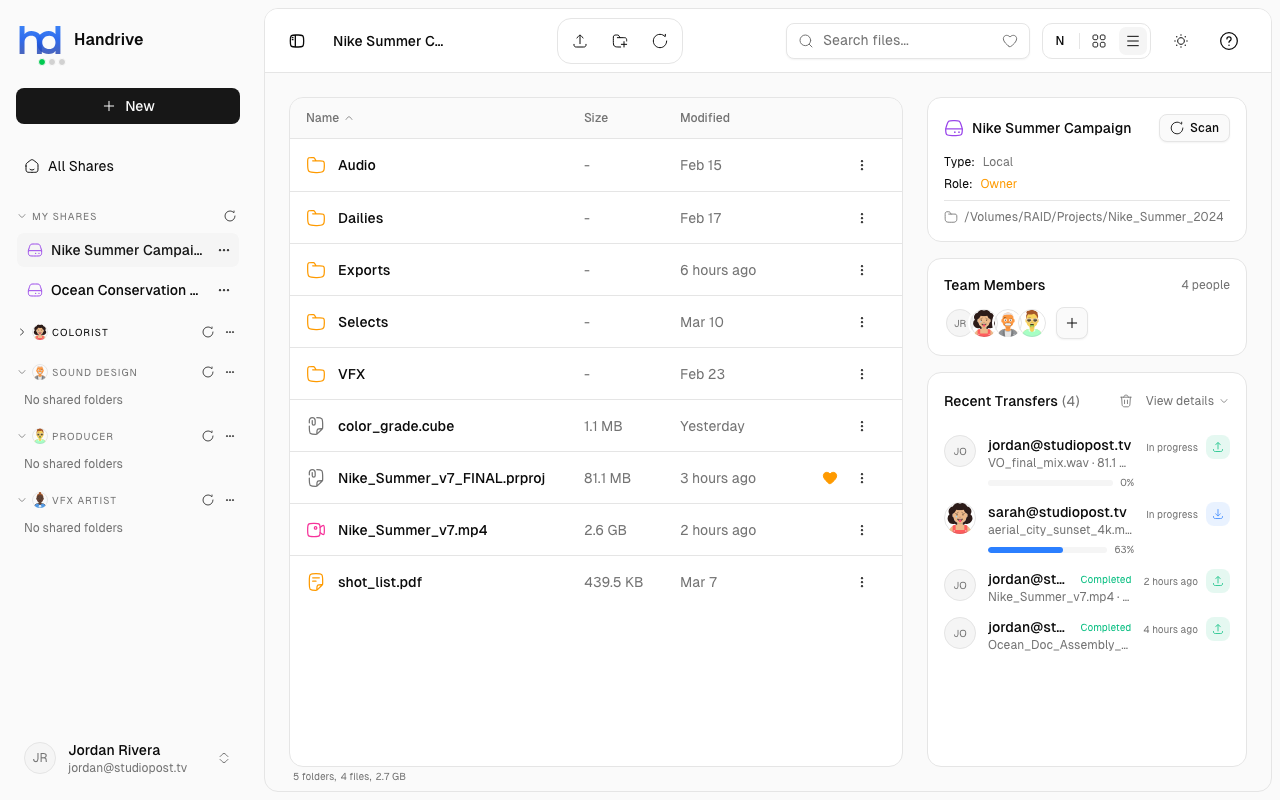
Dark Mode
Switch between light and dark themes:
Quick Toggle
Click the theme toggle button in the header (sun/moon icon) to switch instantly.
Via Settings
- Click your profile in the sidebar
- Select Settings
- Find the Appearance section
- Toggle Dark Mode on or off
Theme Behavior
- Light Mode - Bright interface, good for well-lit environments
- Dark Mode - Darker interface, easier on eyes in low light
tip
Dark mode can reduce eye strain during long sessions and save battery on OLED displays.
System Preference
Handrive respects your system's theme preference:
- If your OS is in dark mode, Handrive defaults to dark
- Manually toggle to override the system preference
- Your preference is saved for future sessions